Work / Artichoke
Artichoke
A lab management app for a COVID testing laboratory in Austria, built to move samples from intake to result as fast as possible.
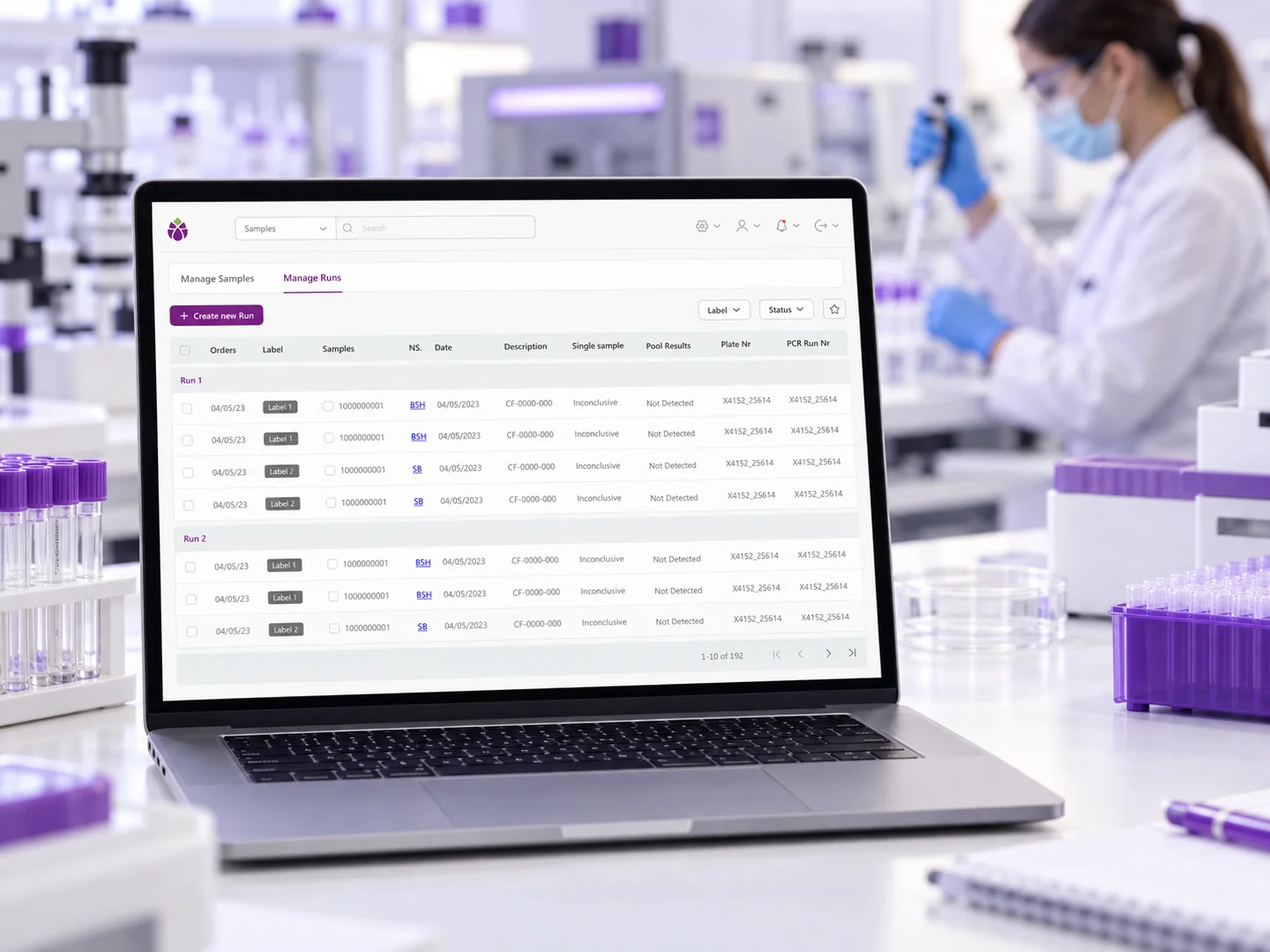
A lab management app for a COVID testing laboratory in Austria, built to move samples from intake to result as fast as possible.
From sample to result, without slowing down.
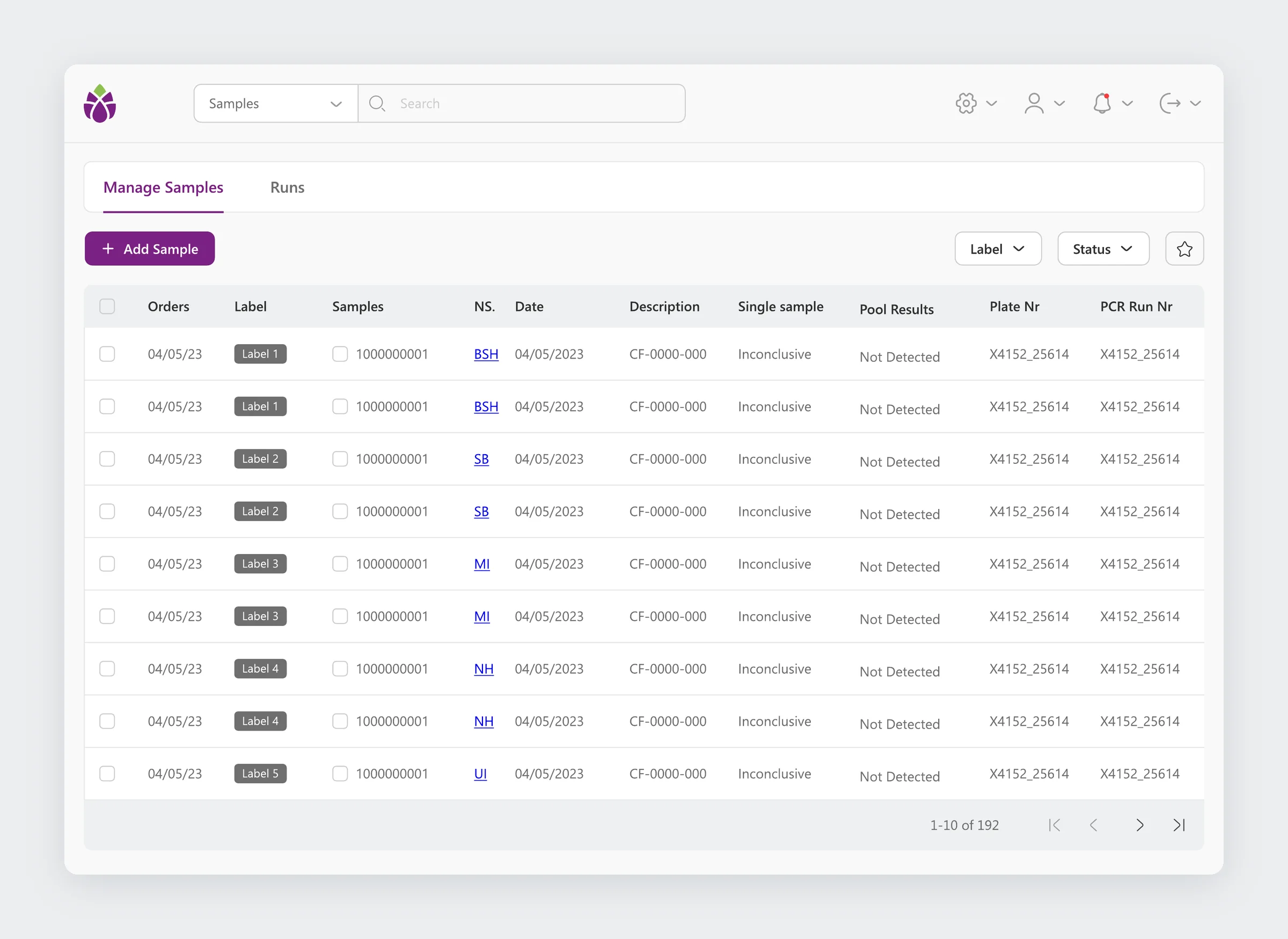
Artichoke is the internal web app of a COVID testing laboratory in Austria. Lab technicians register samples, group them into PCR runs, and record results. Admins set up the lab behind it: analysis methods, protocols, detection kits, pathogens, and products.
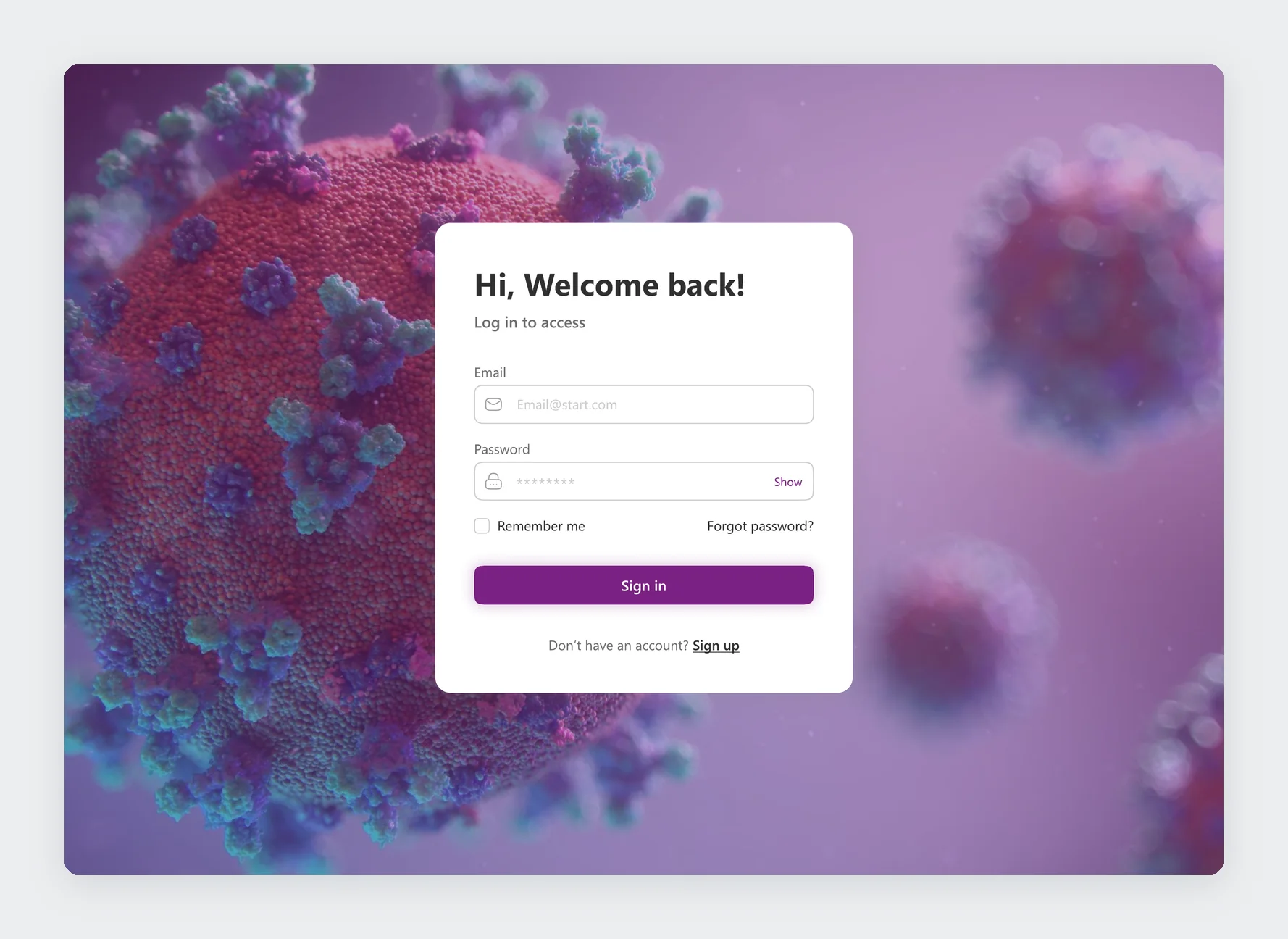
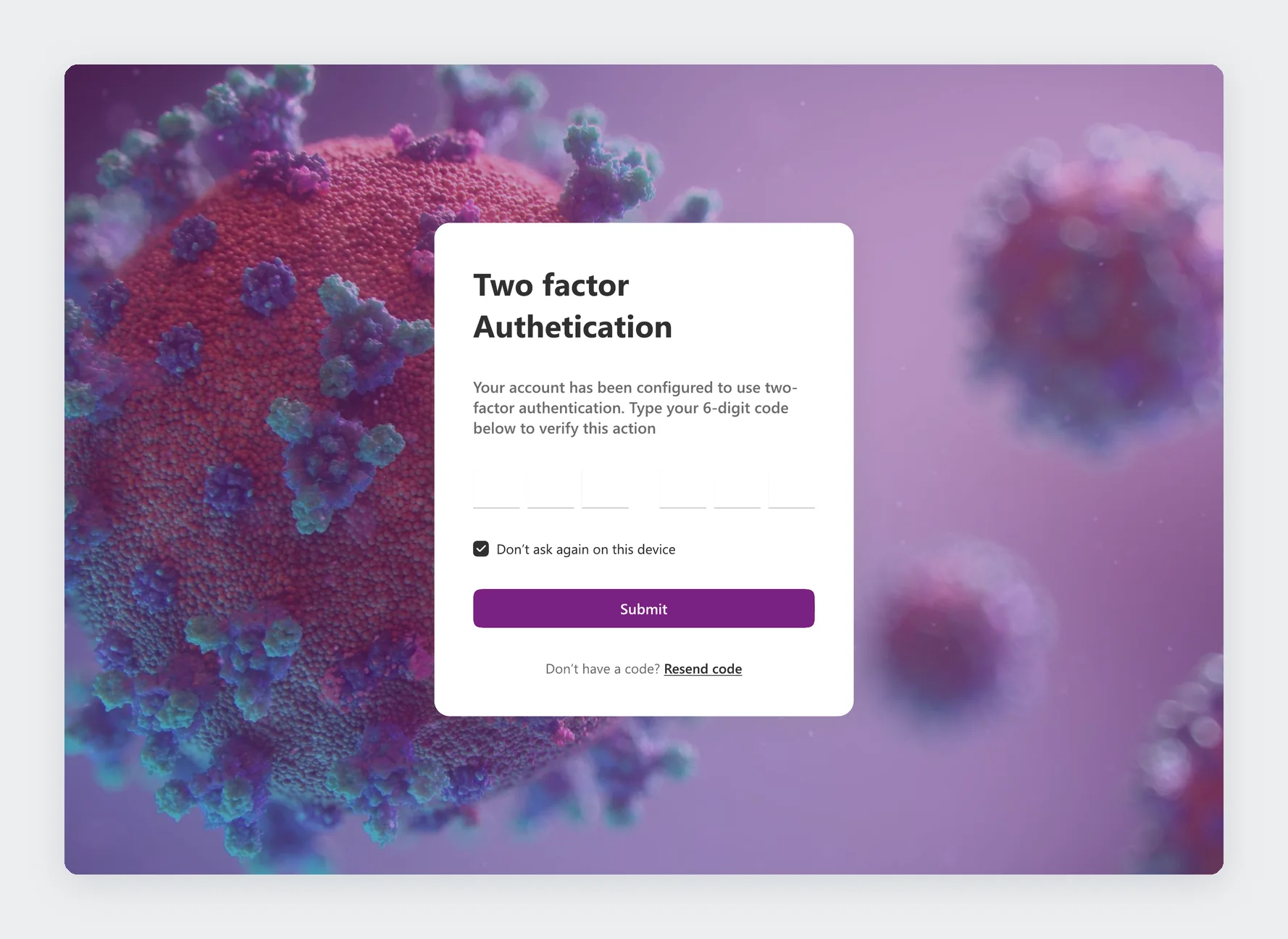
I designed the whole app at Mesh WEB in a month and a half, from sign-in to the component library. All data shown here is placeholder content.
Speed, every day, at volume.
Every sample has to be registered, labelled, assigned to a run, and given a result. Any extra click is repeated hundreds of times a day.
Technicians work through samples quickly at the bench. Admins configure what the lab can test. Both use the same app.
A sample in the wrong run or with the wrong label means a wrong result. Speed could not come at the cost of accuracy.
Methods, protocols, detection kits, and pathogens all depend on each other, and the interface had to keep that clear.
One path from intake to result.
Everything in the app serves one path. A sample comes in, gets a label, joins a run, and gets a result. I designed each step to ask only what it needs, and to move straight on to the next one.
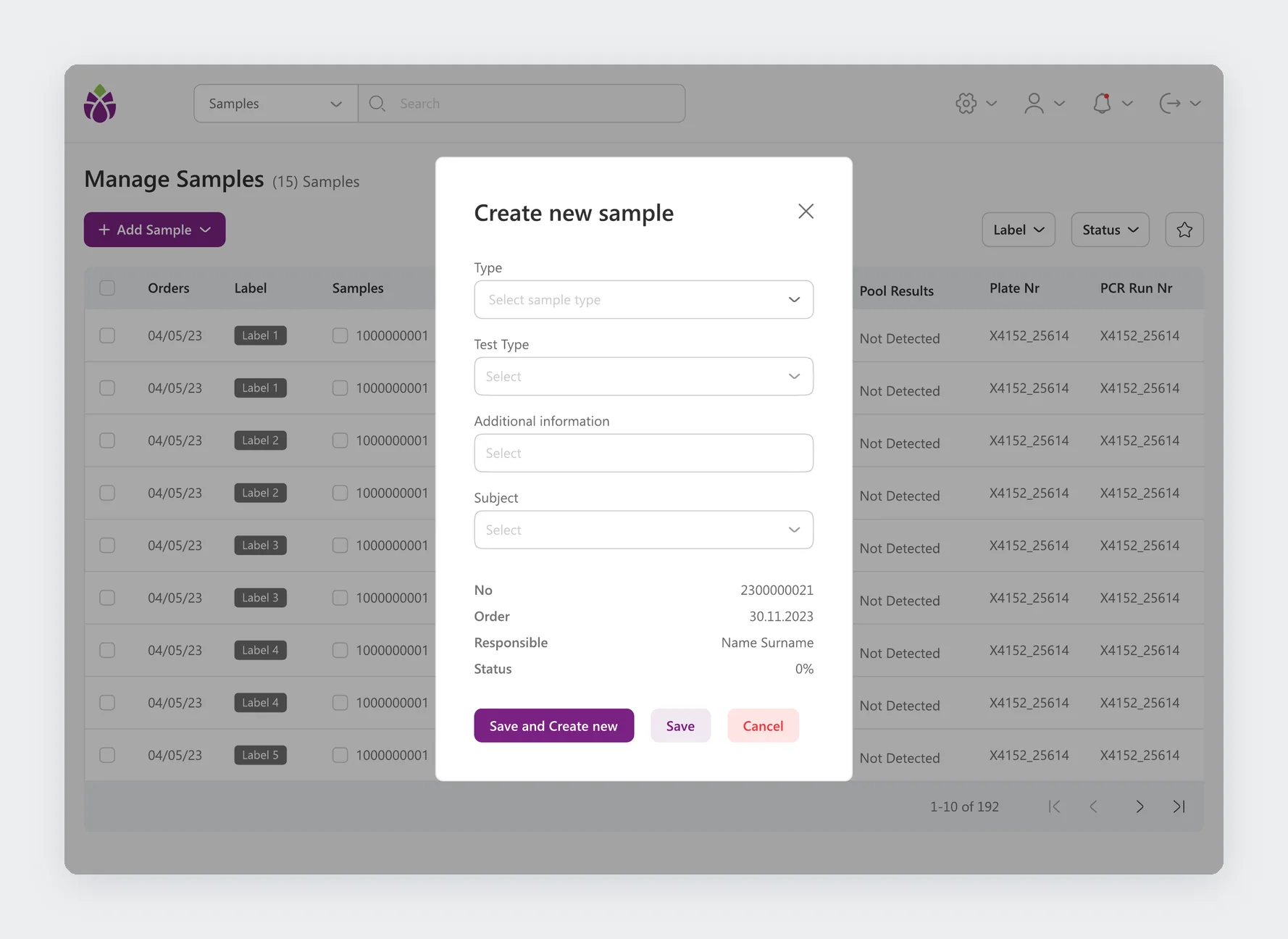
Creating a sample asks for the type, test type, additional information, and subject. The number, order, responsible person, and status are filled in for the technician.
Key features
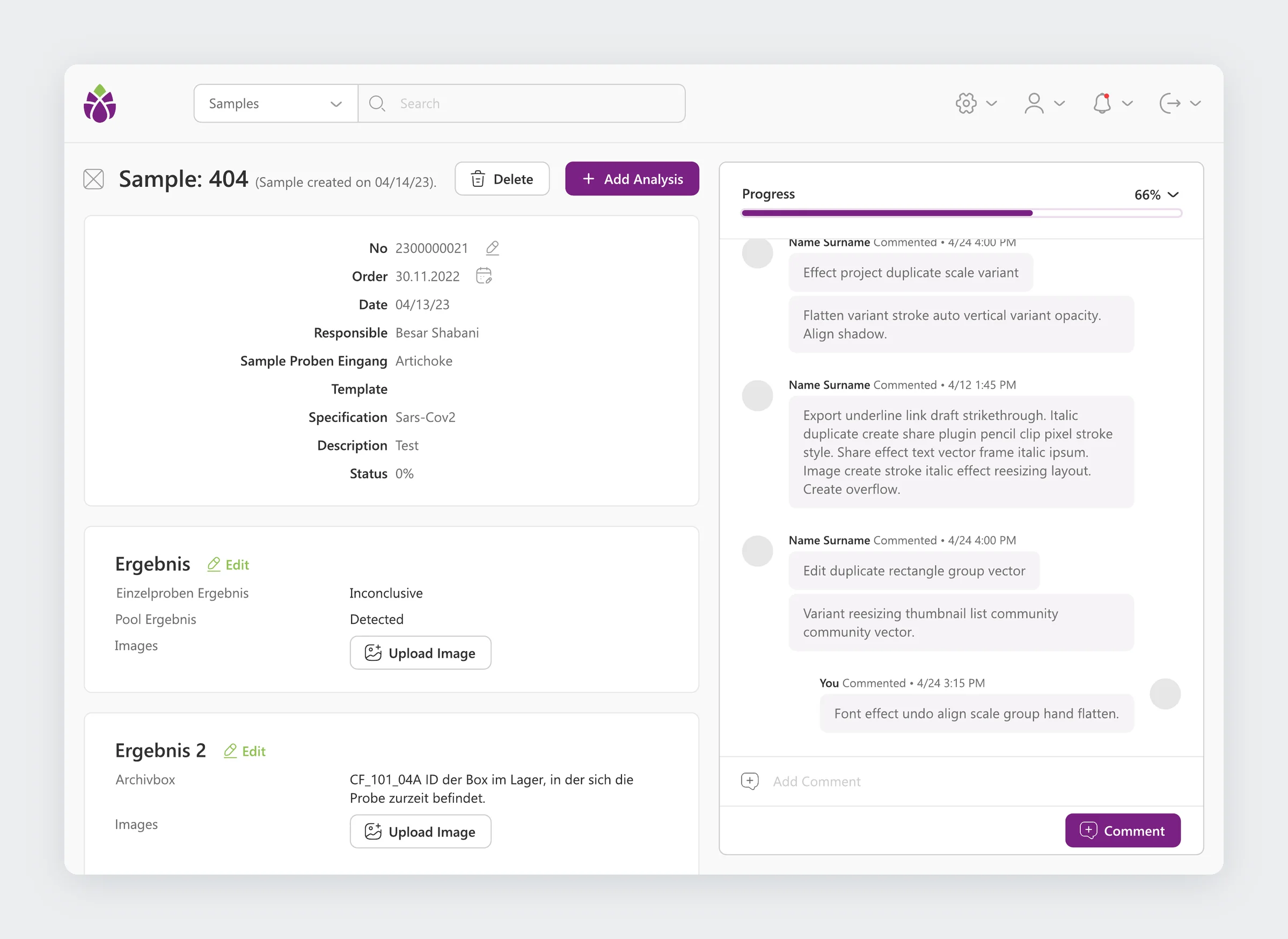
A single sample shows its details, every result with images, and a comment thread with the progress of the work on the right.
Key features
The hardest part: decisions without slowing down.
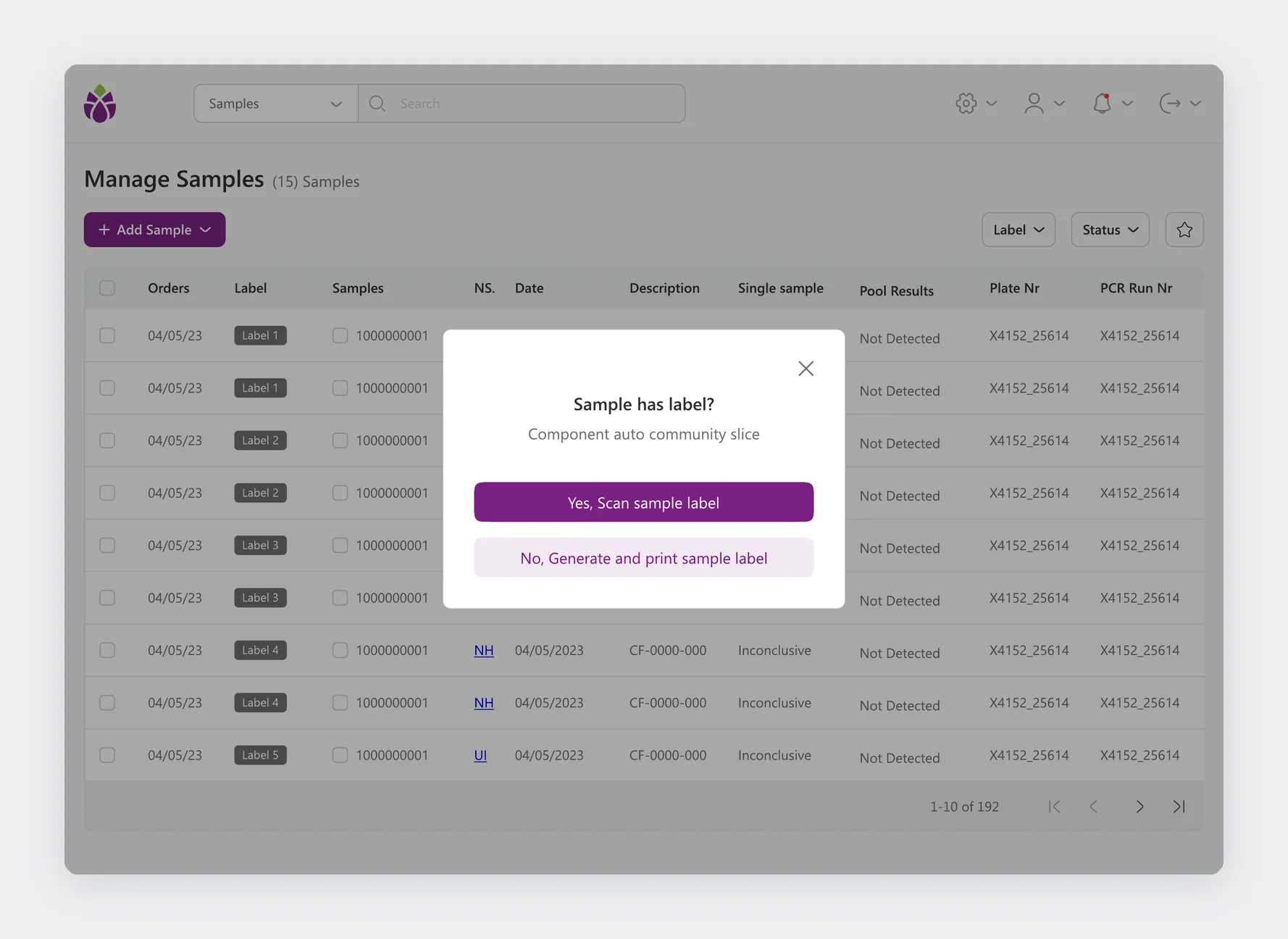
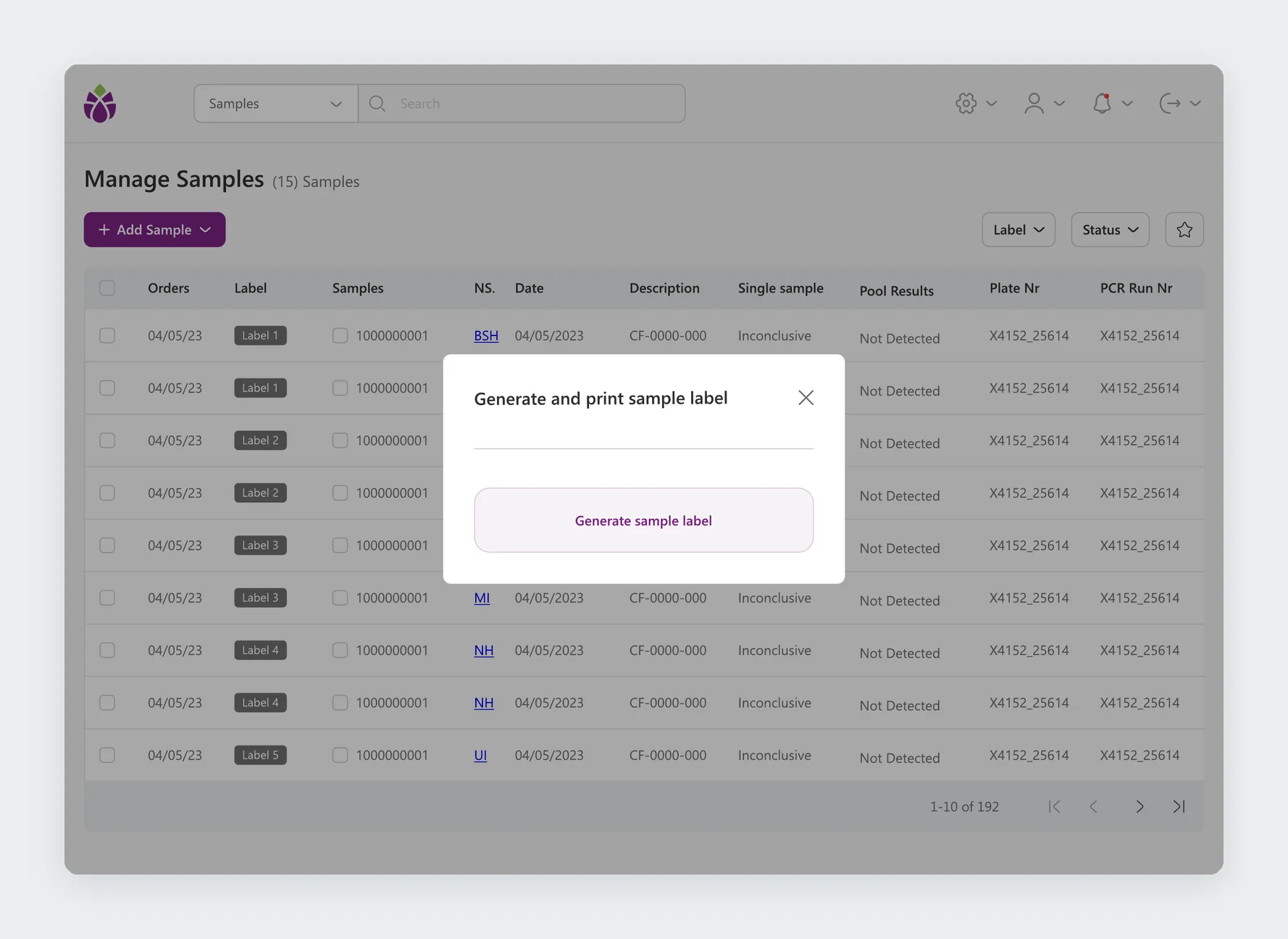
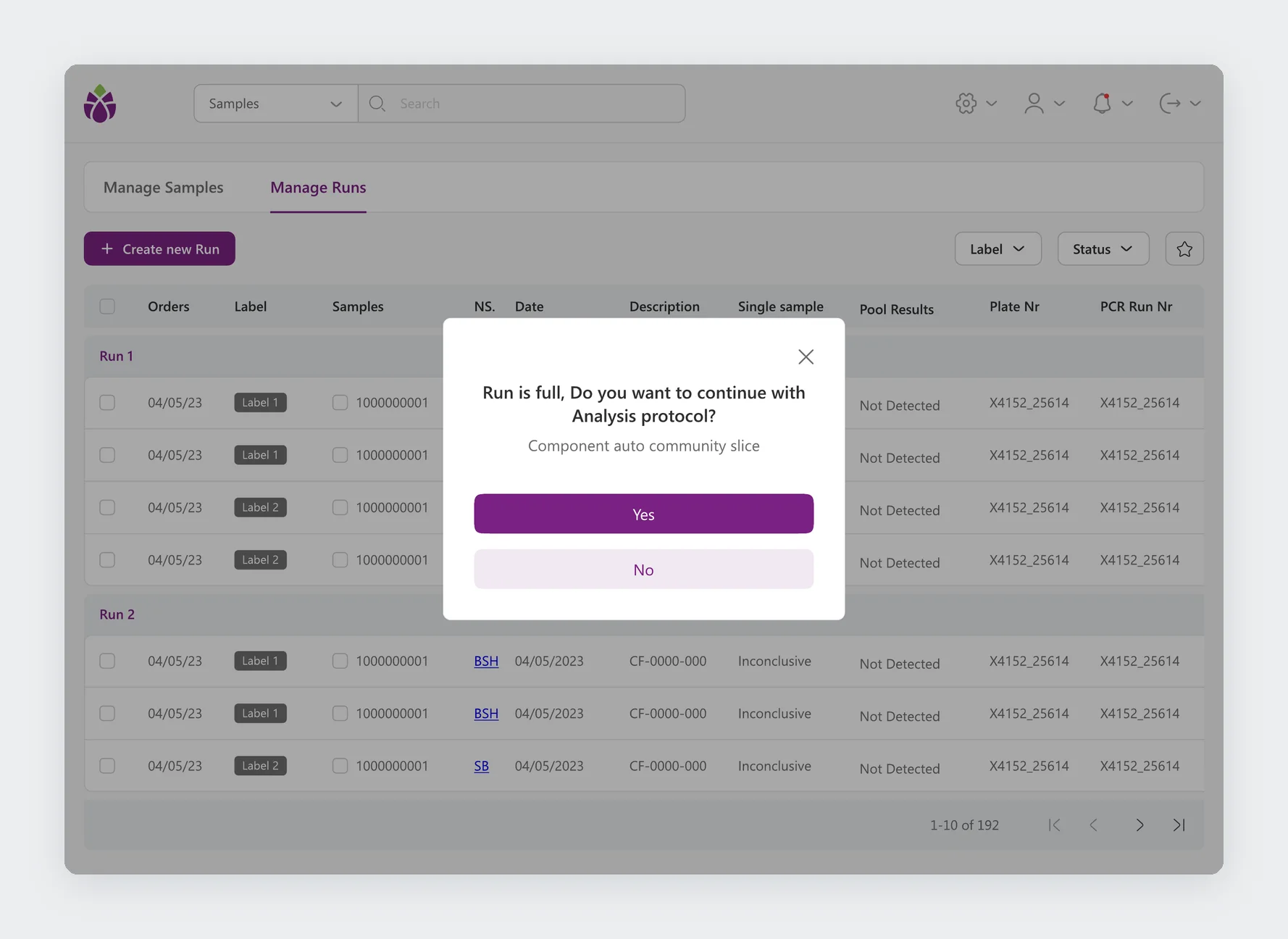
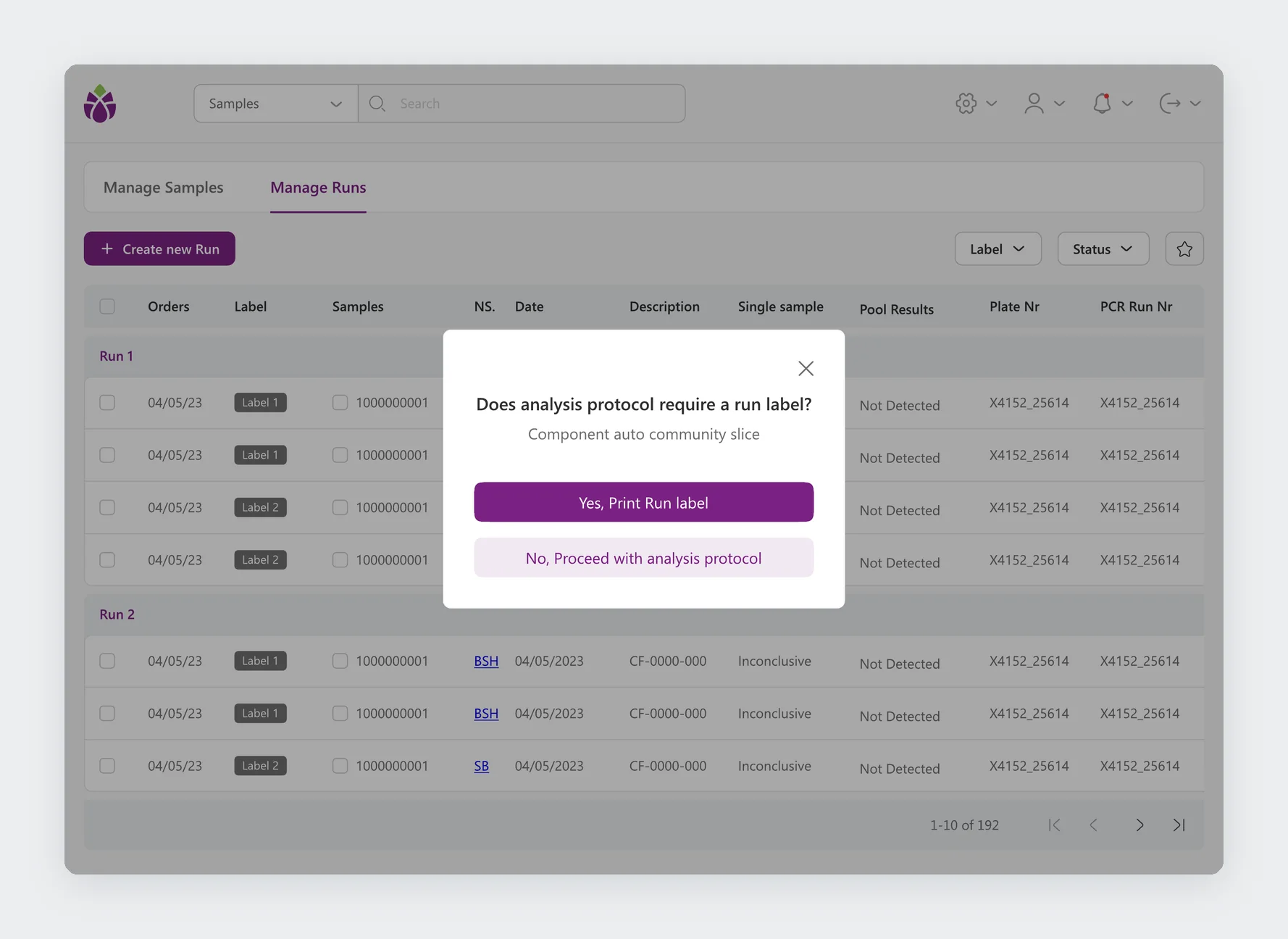
The difficult part was not any single screen but the moments in between. A sample may or may not arrive with a label. A run may already be full. A protocol may or may not need its own run label. In a busy lab, these are exactly the places where mistakes and delays happen.
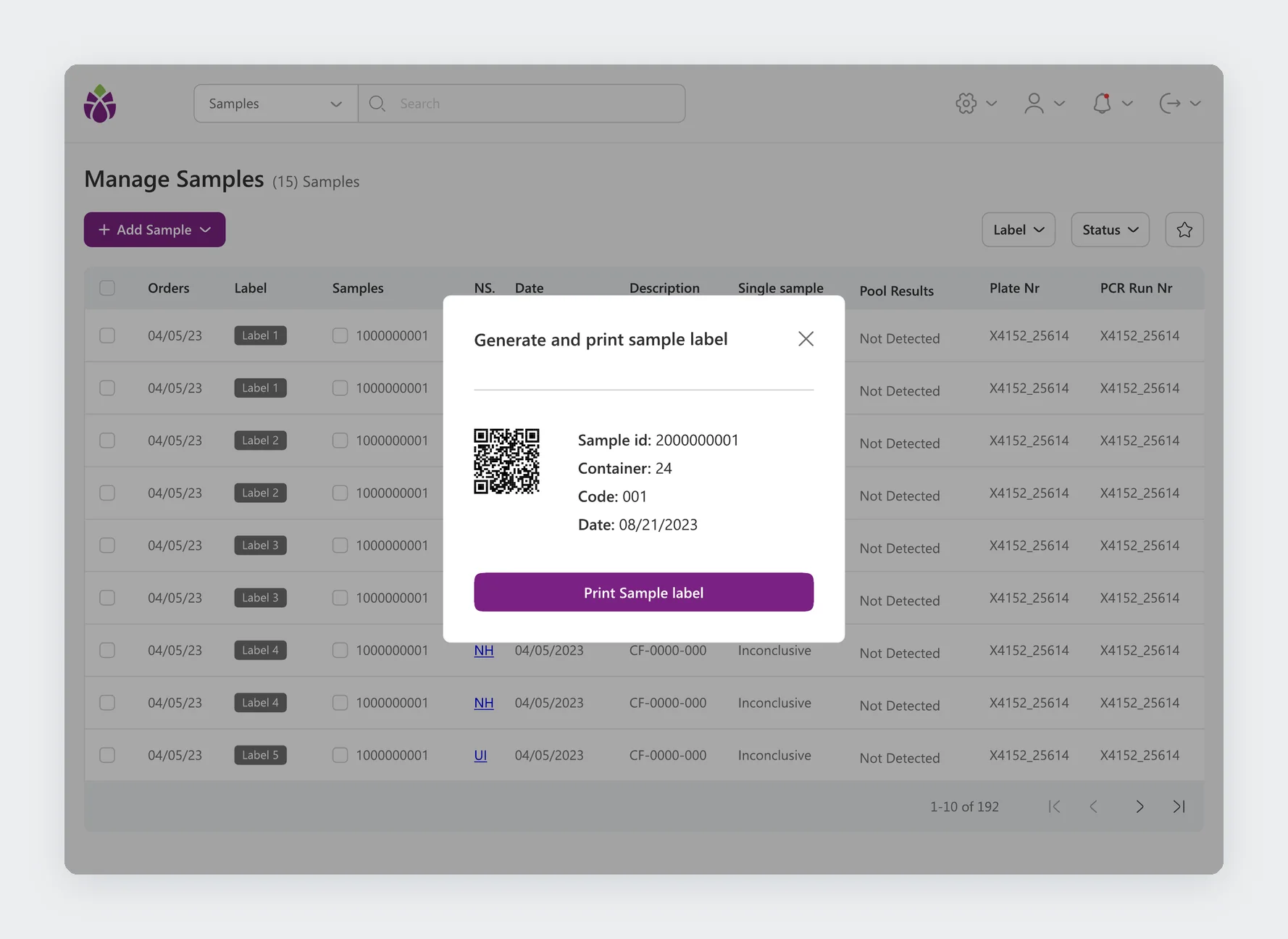
Instead of a long form that covers every case, the app asks one short yes or no question at the moment the decision is needed, with the most common answer as the primary button. The technician never has to remember the rule; the app brings it up.
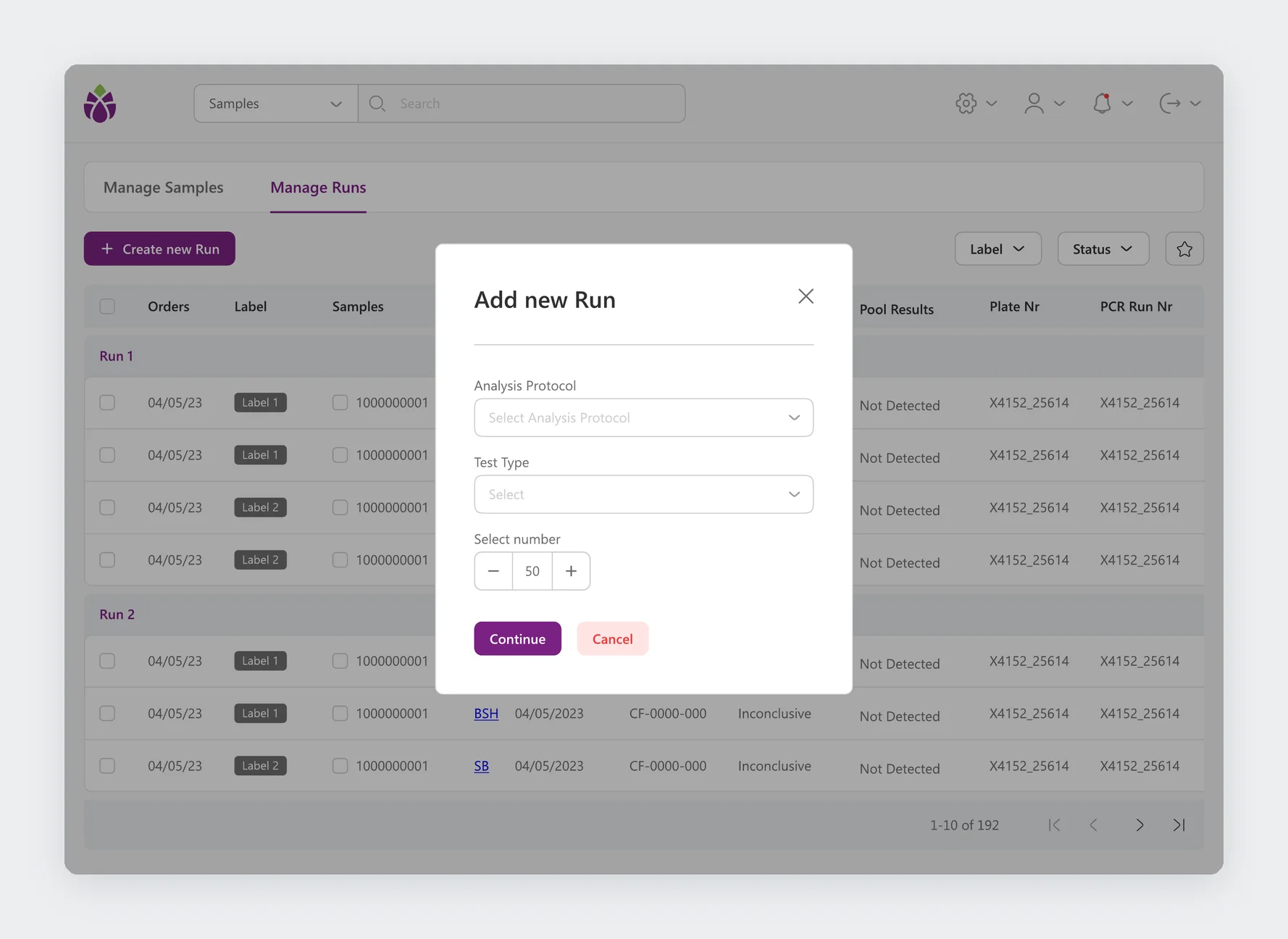
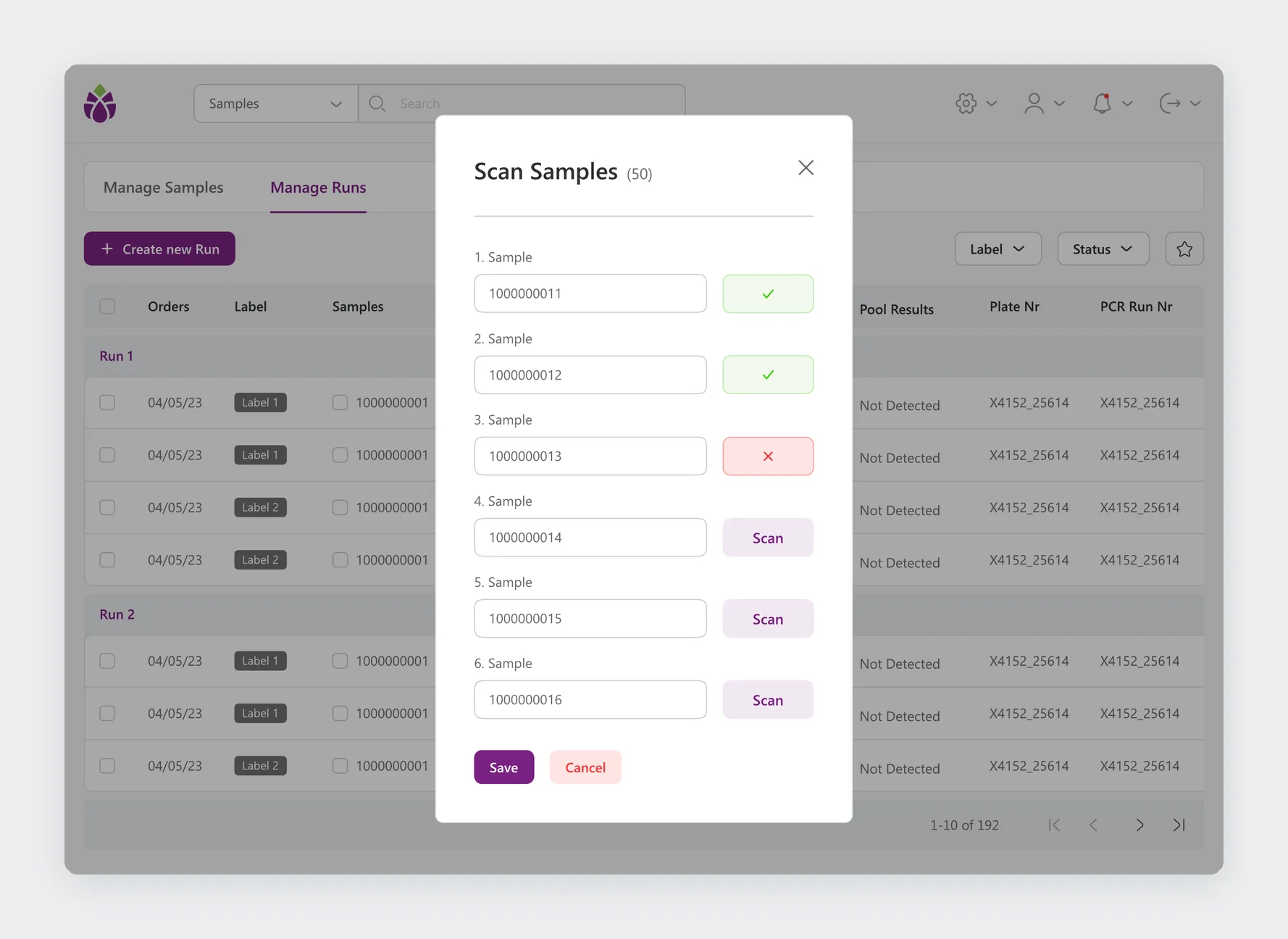
A new run starts from the analysis protocol, the test type, and the number of samples. Samples are then scanned in one by one, and each line confirms or rejects the scan straight away.
Key features
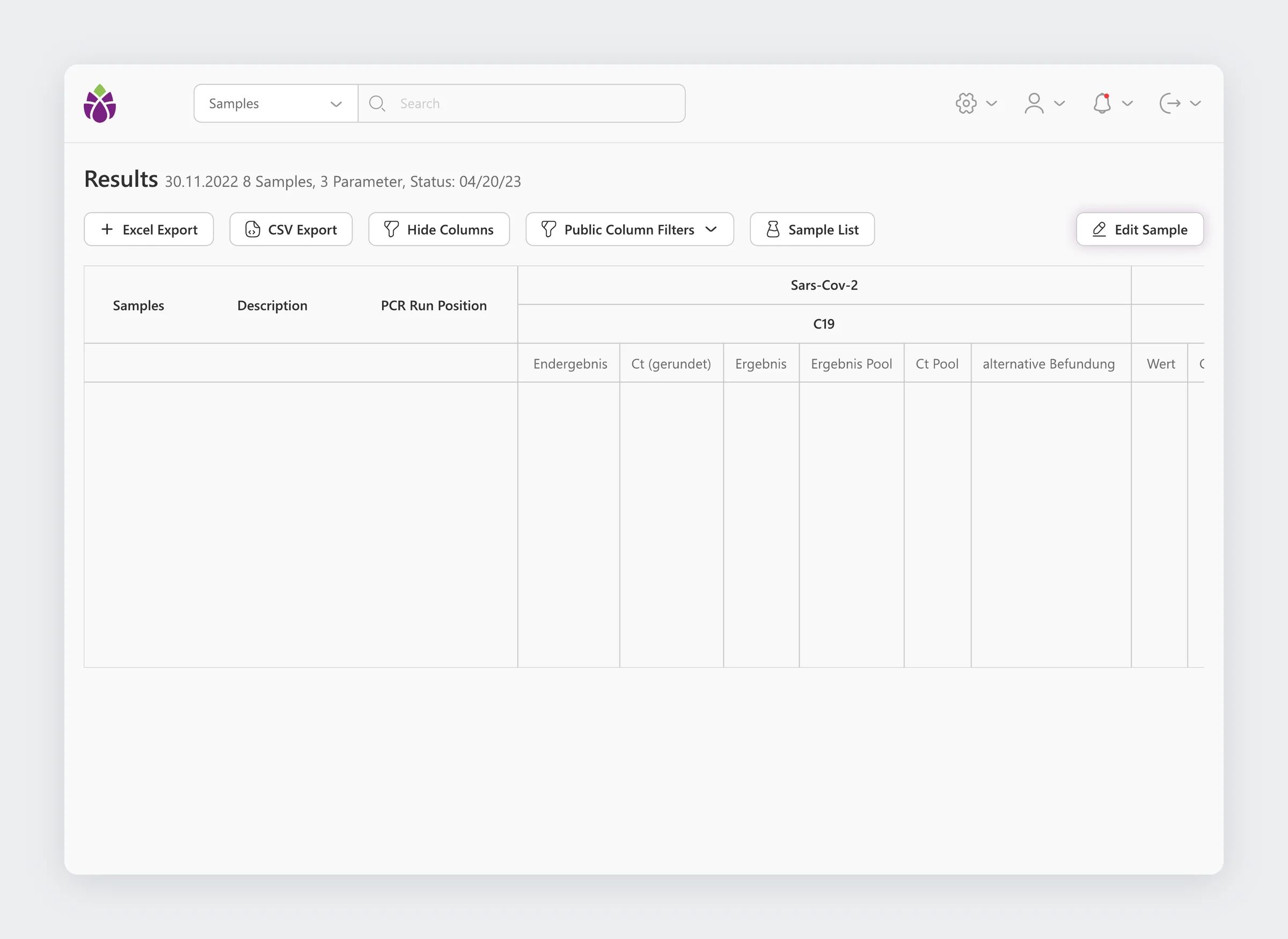
Results show every sample of a run with its PCR position and the values per target, with Excel and CSV export, column controls, and filters.
Key features
The rules behind every test.
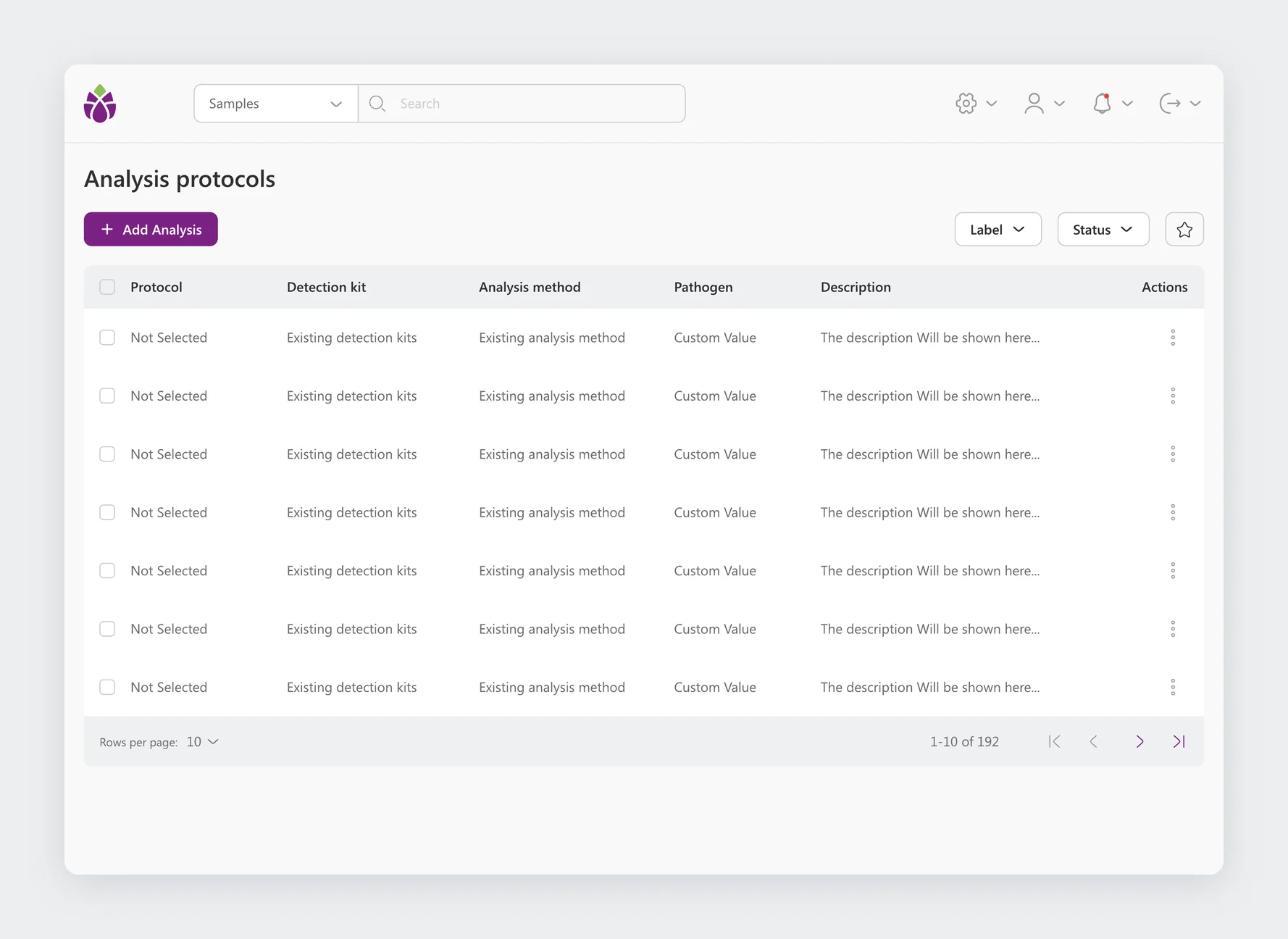
Admins define what the lab can test: analysis methods, analysis protocols, detection kits, pathogens, and products. Every module follows the same pattern, a table with filters and an add, edit, and delete modal, so learning one means knowing all five.
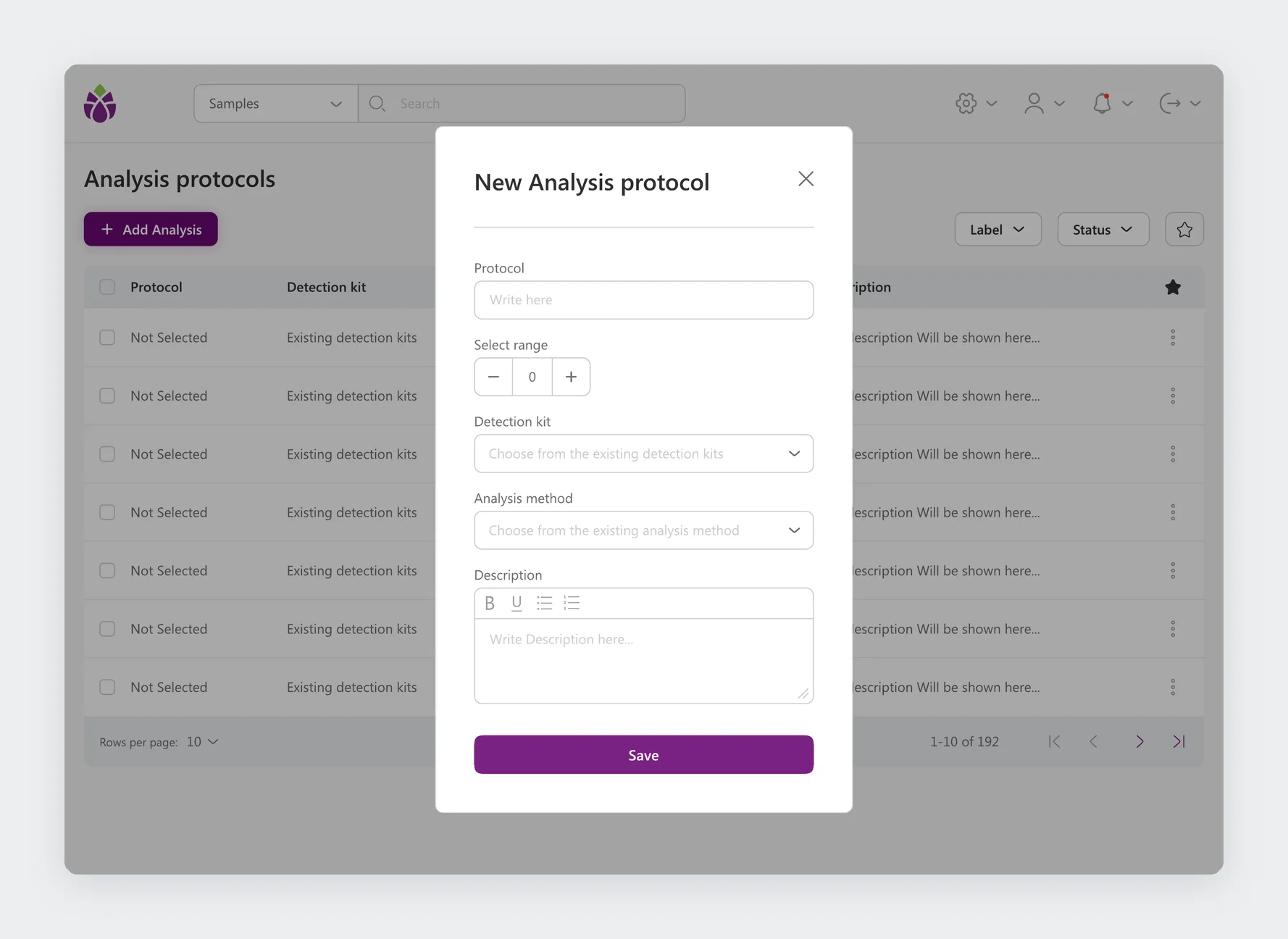
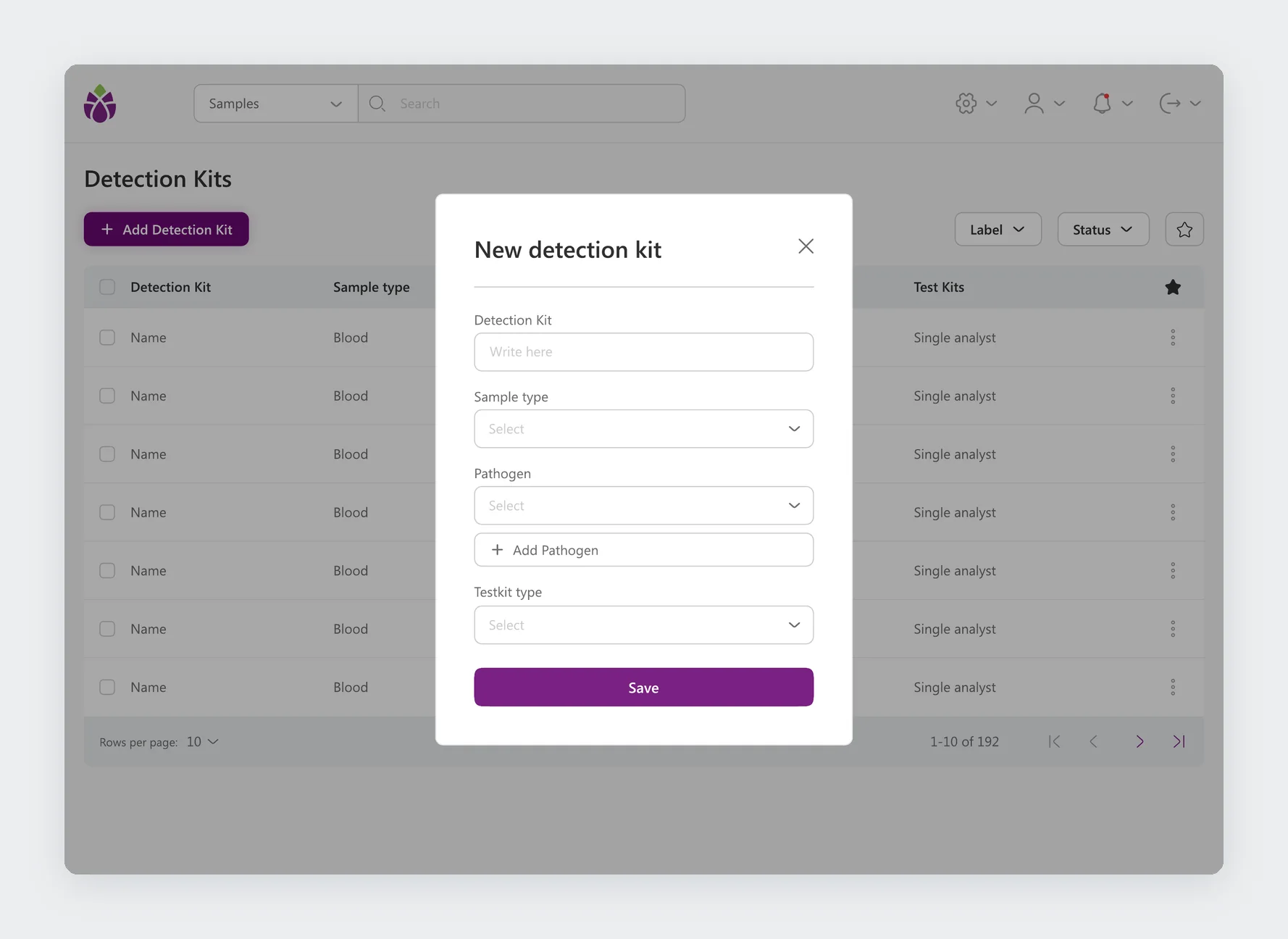
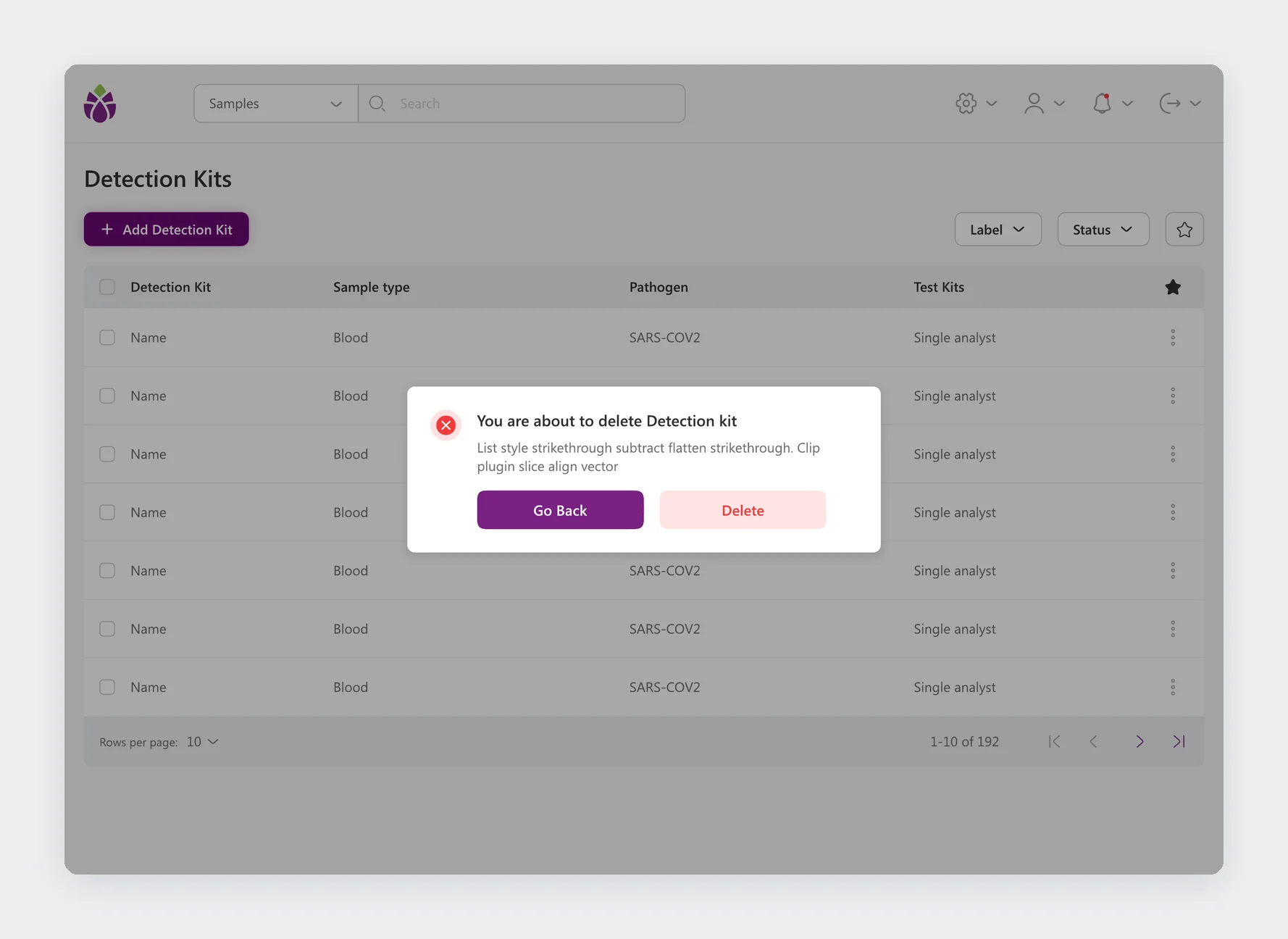
Deleting always asks first, with Go back as the main button and Delete as the quieter one, because a removed protocol affects every run that uses it.
The work around the samples.
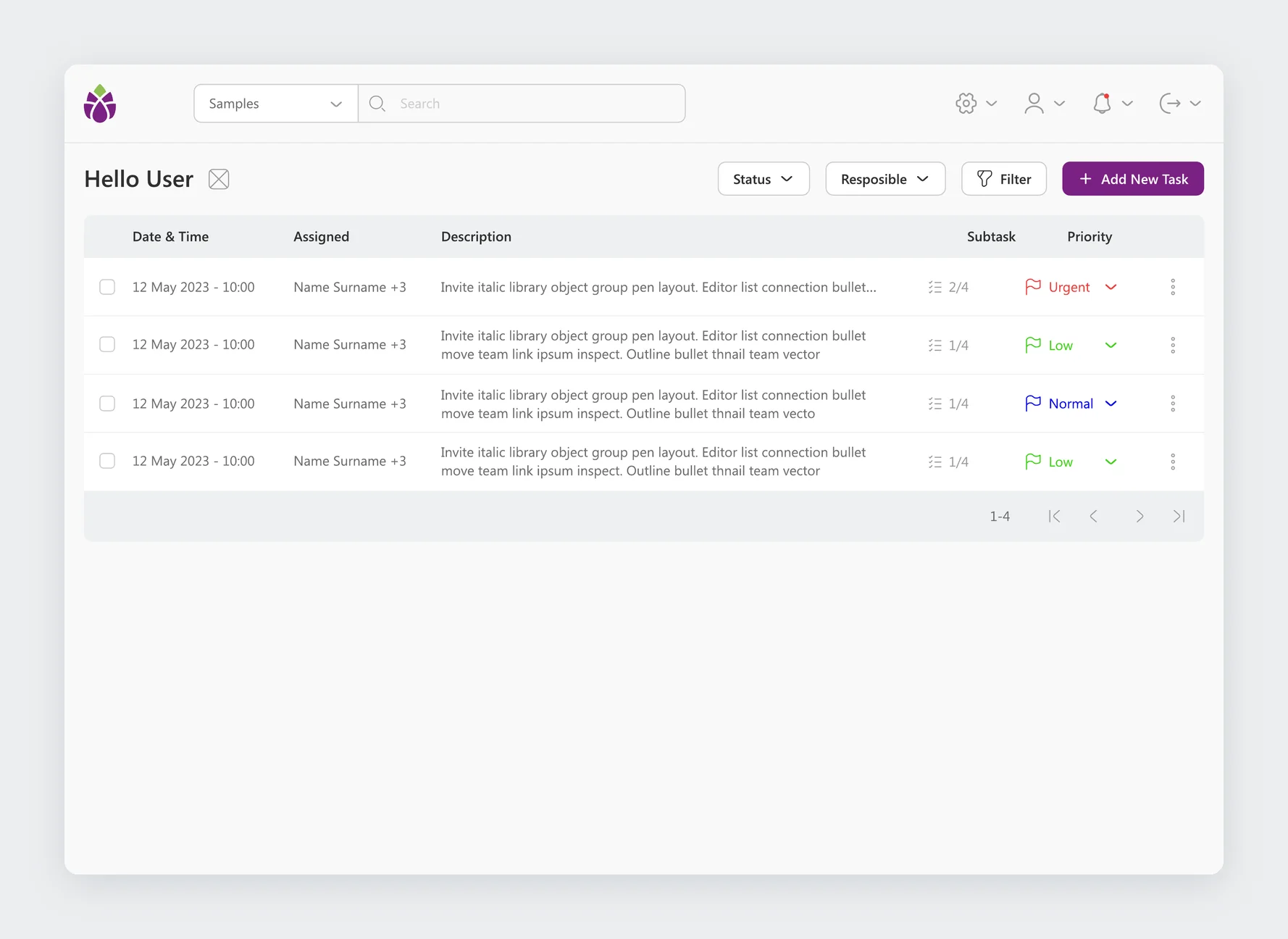
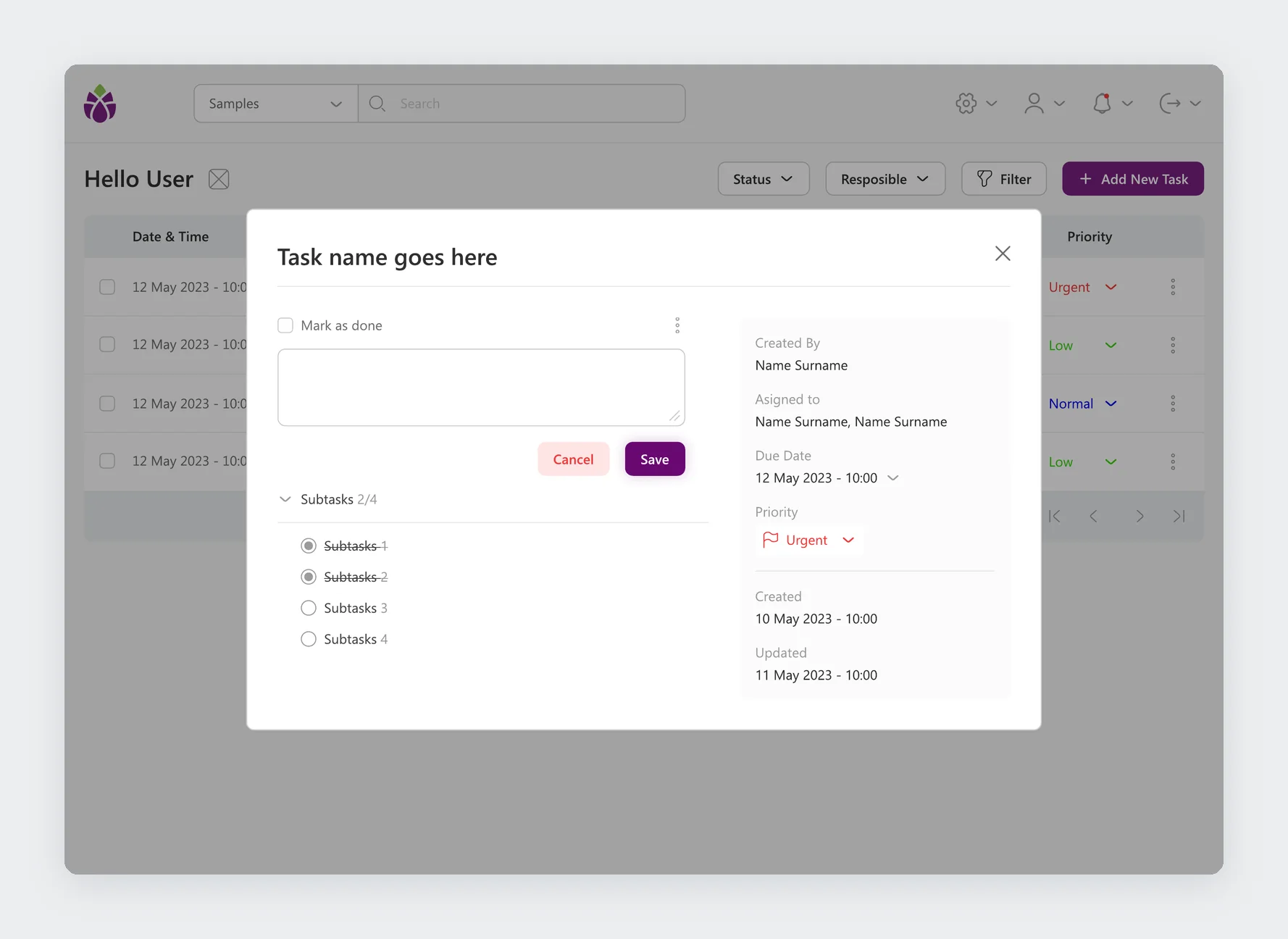
Tasks give the team assignments with subtasks, due dates, priorities, and people. The logbook records who did what and when, so every change in the lab can be traced.
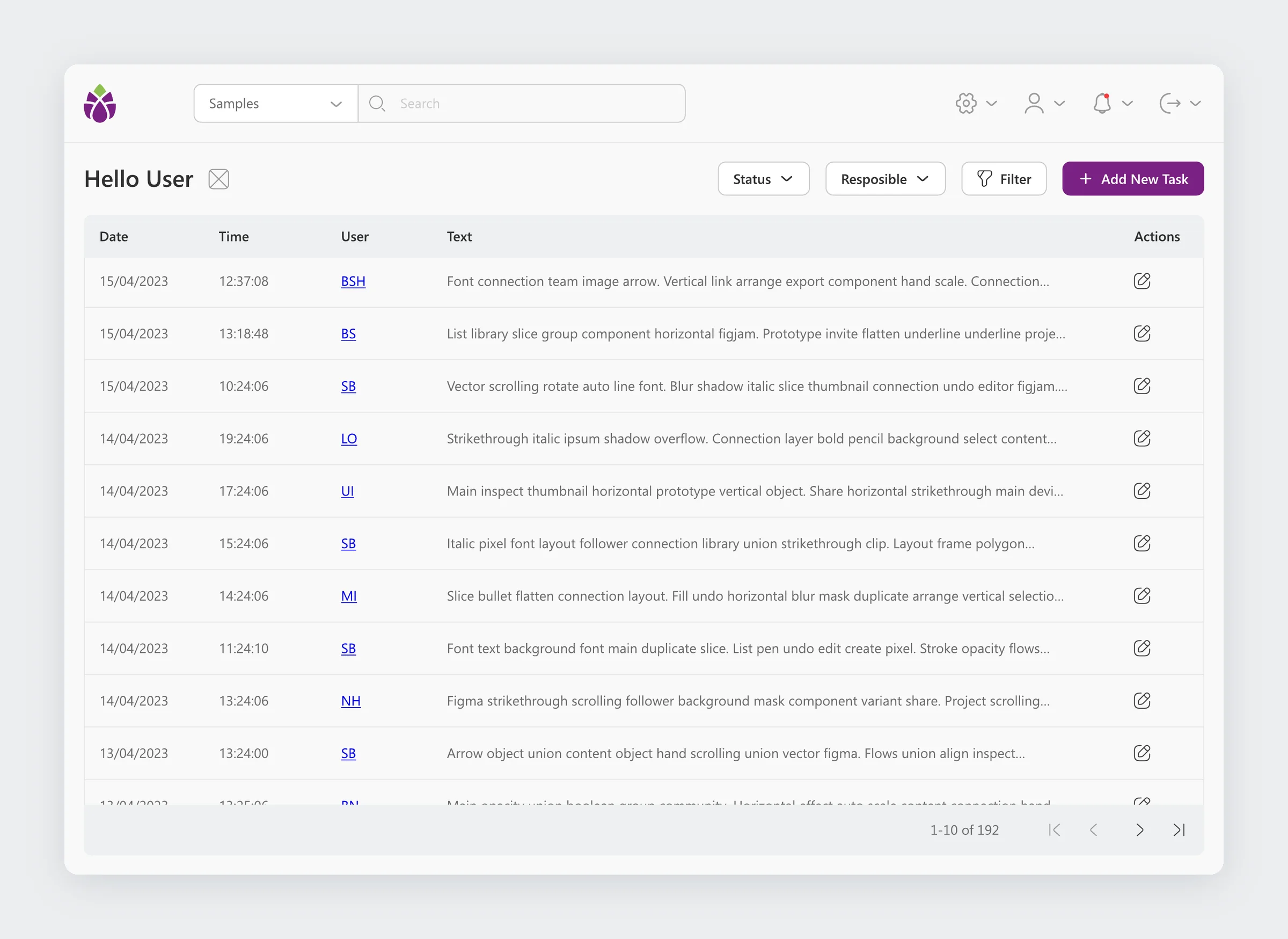
One purple, and components for every state.
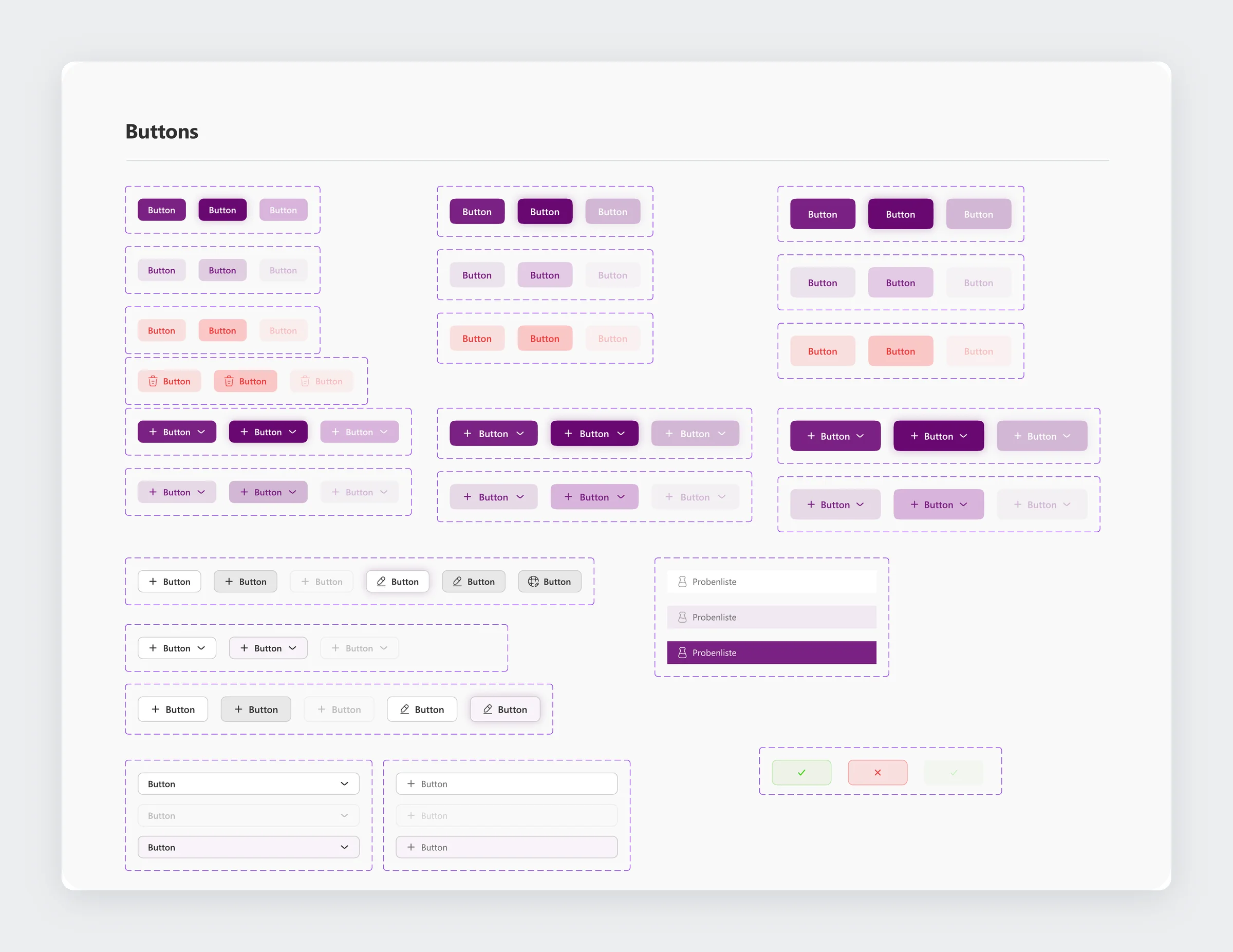
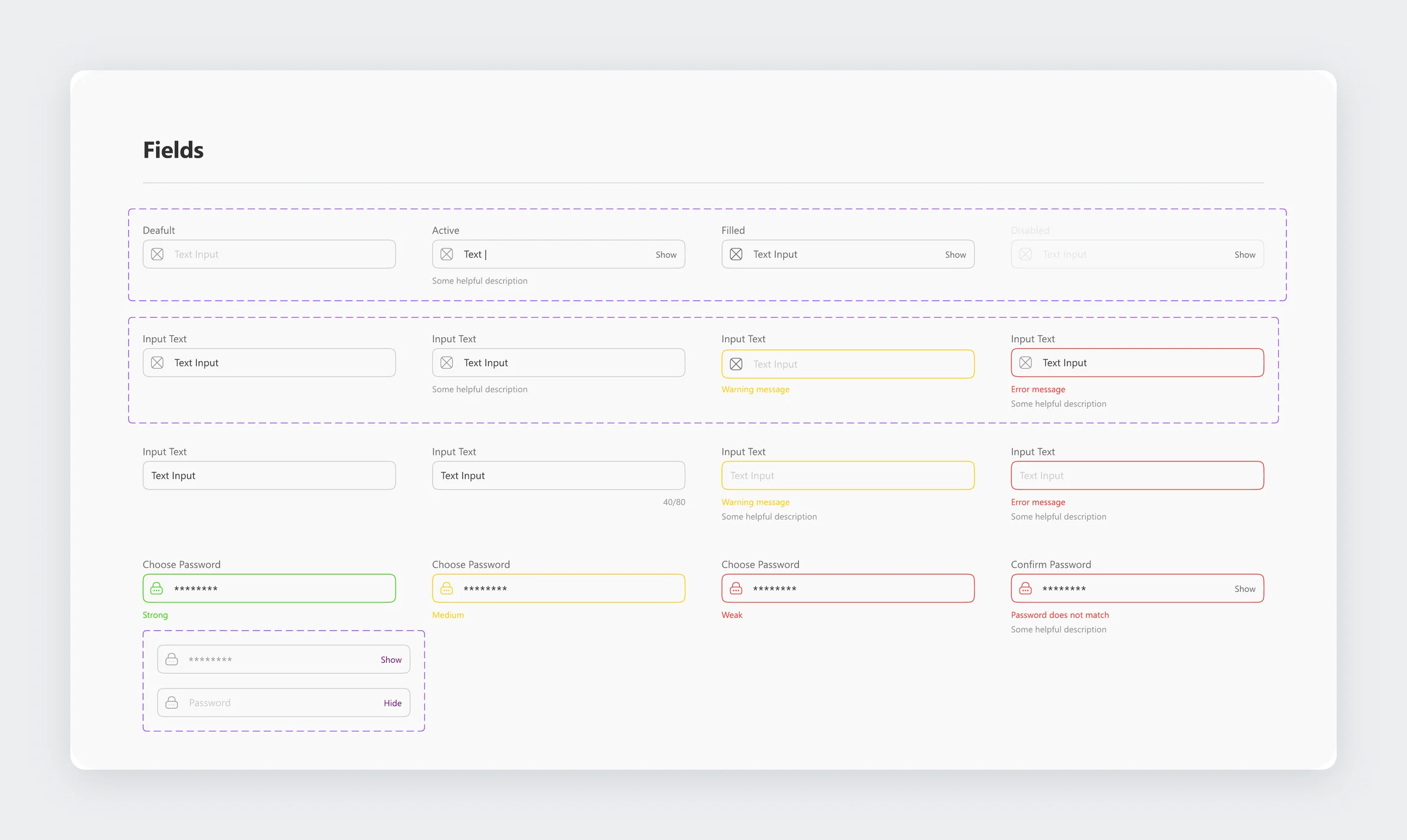
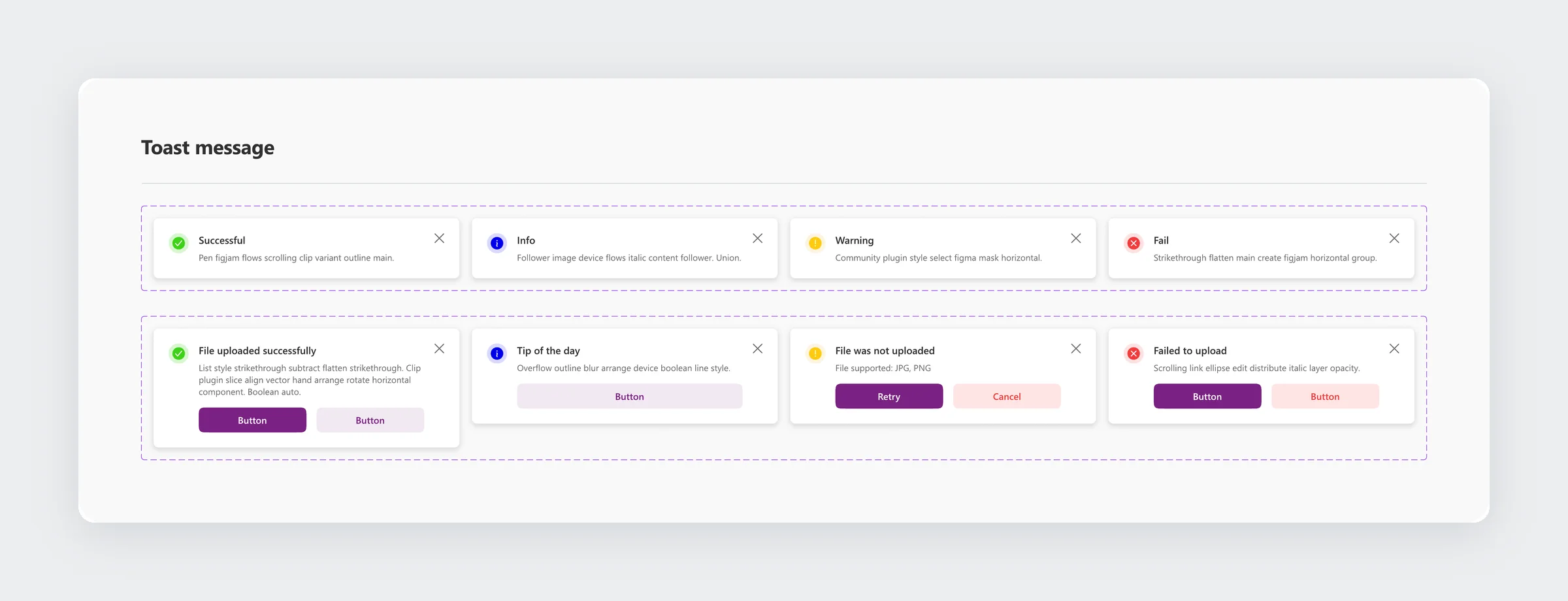
A single deep purple marks every primary action and the active state, on light grey surfaces that keep long tables easy to scan. Danger is a soft red, used for delete and cancel. Buttons, fields, dropdowns, and toast messages were built as components with every state, so the five setup modules could be designed quickly and consistently.
A lab app designed for speed.
Technicians move a sample from intake to result along one path, with the app asking only what each step needs. Admins set up the lab through five modules that all work the same way, and the component library keeps the whole app consistent.